Pro3 / 3
Cobalt Draft蓝色图纸
铅笔画在白纸上,深色是一张蓝图。
85组件
409变体
4模板
2明暗主题

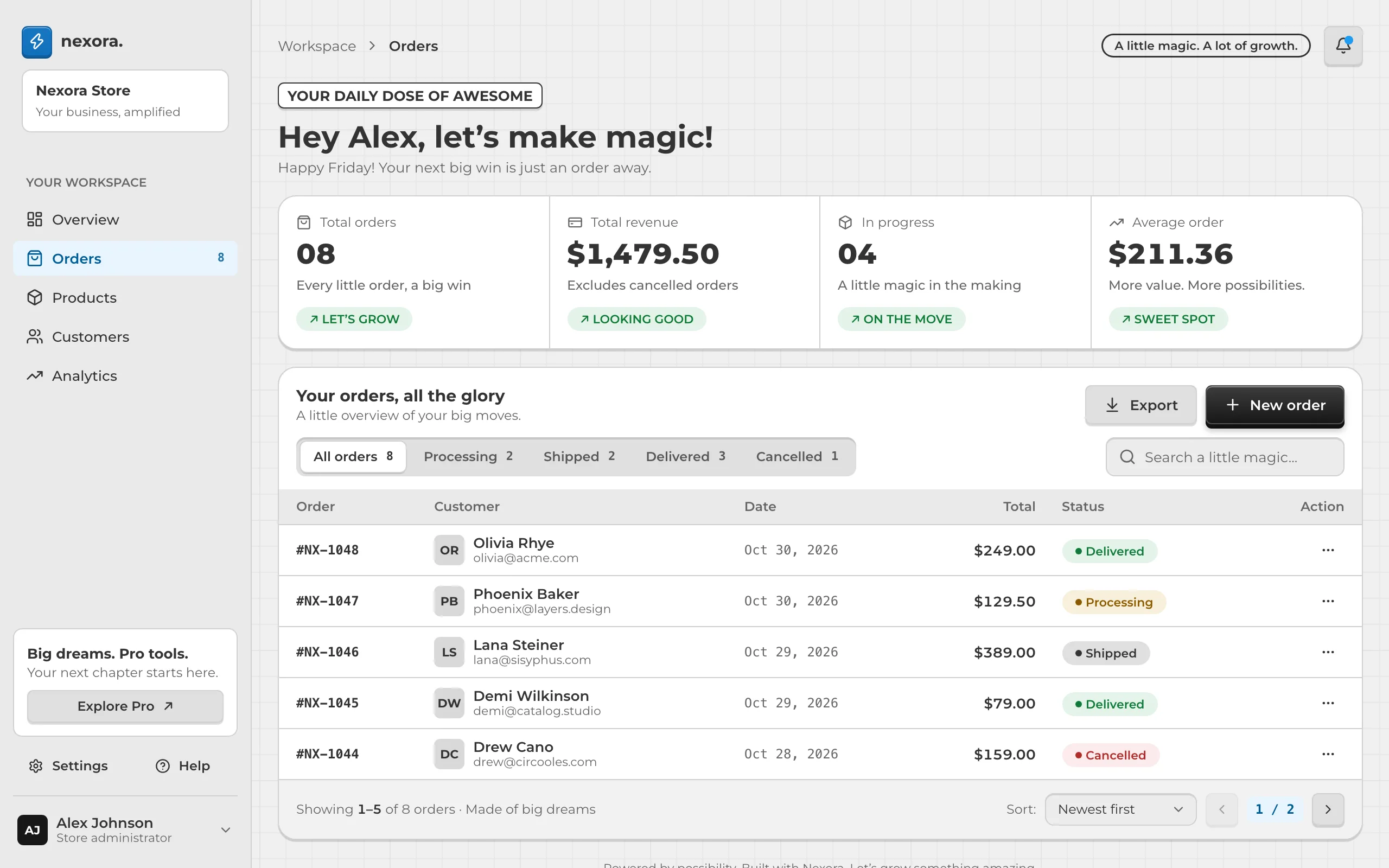
改前
改后
怎么用
Restyle this project's pages with the Cobalt Draft style from UINice Pro.
1. Download the style pack (personal link, valid for 24 hours) and unzip it into .uinice/cobalt-draft:
   curl -fsSL "https://api.uinice.com/api/pack/dl/…" -o /tmp/cobalt-draft.zip && mkdir -p .uinice/cobalt-draft && unzip -oq /tmp/cobalt-draft.zip -d .uinice/cobalt-draft
2. Read .uinice/cobalt-draft/STYLE.md and follow it: install the tokens and components, then restyle every page. Use the pack's components wherever they fit and borrow layouts from its templates. Change only the look — keep features, data and copy as they are.
3. Screenshot each page before and after, and show me.