第 1 週 · 2026年10月5日
落ち着いた AI チャット
応答はきれいに流れ込み、画面は主張しすぎない。
ビフォー · キットなしアフター · このレシピ
線をドラッグして比較。材料にカーソルを合わせると、使われている場所が光ります。
材料
4 種類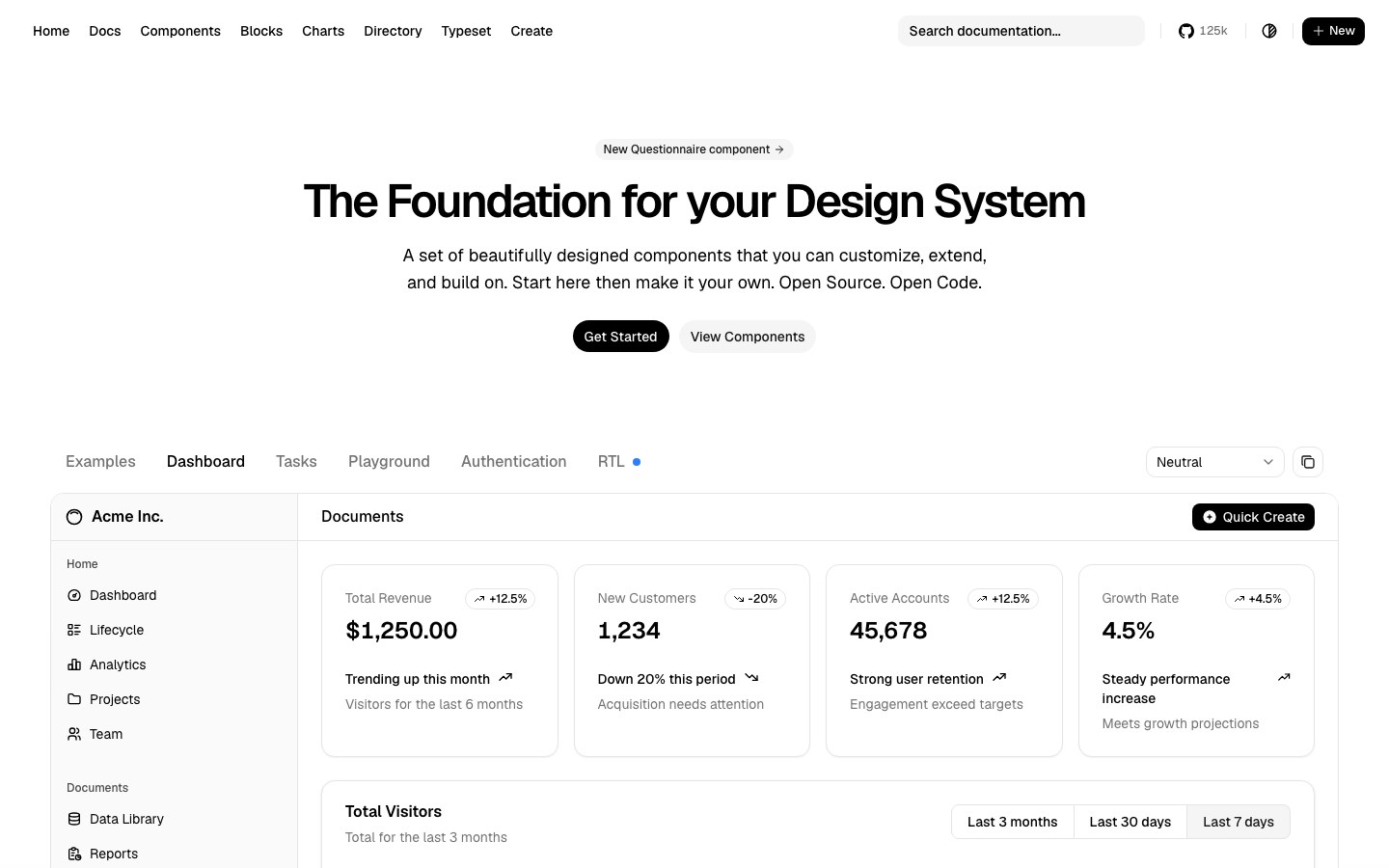
プロンプト
英語です(モデルが最も正確に従います)。Cursor・Claude Code・v0 に貼り付けてください。
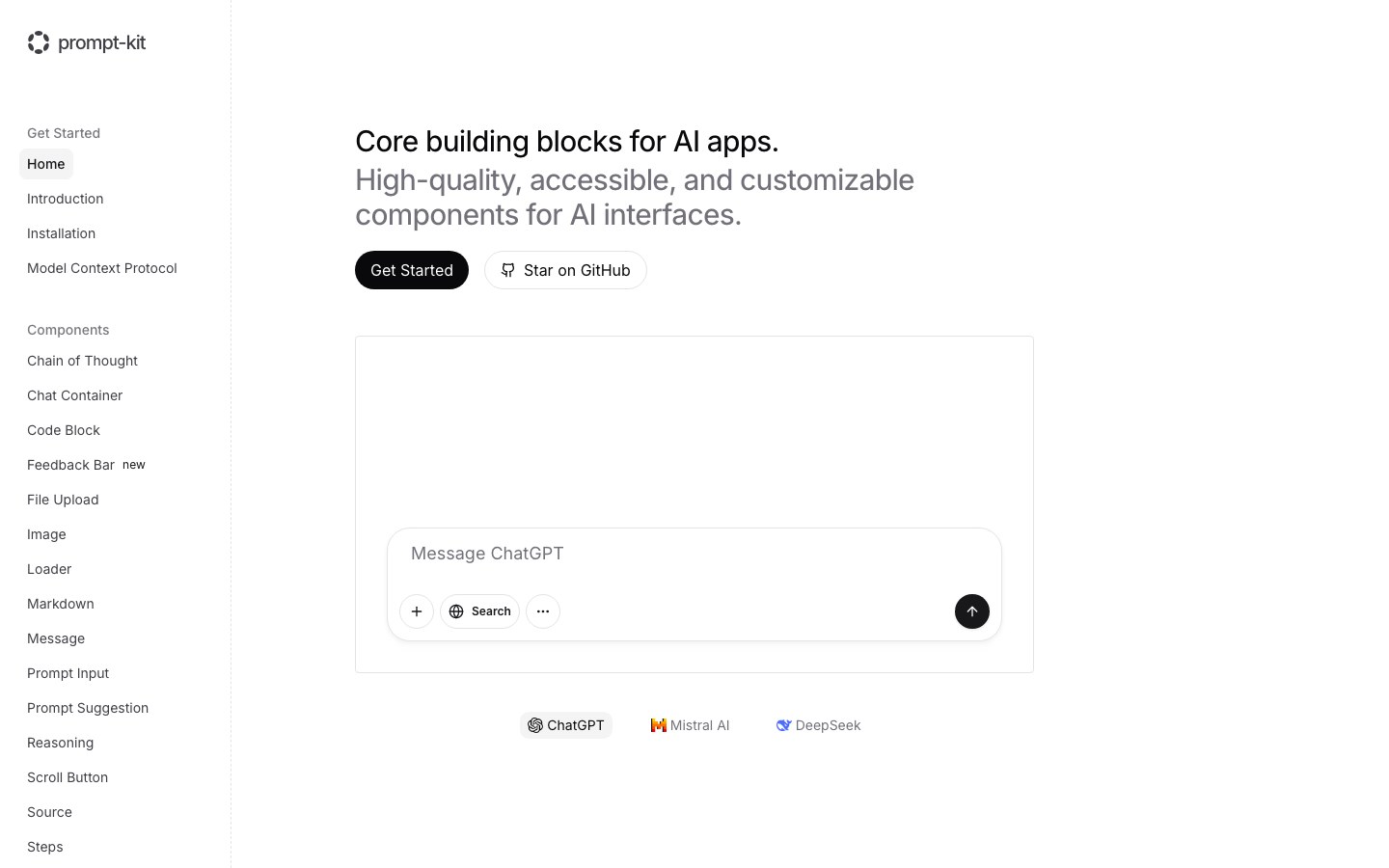
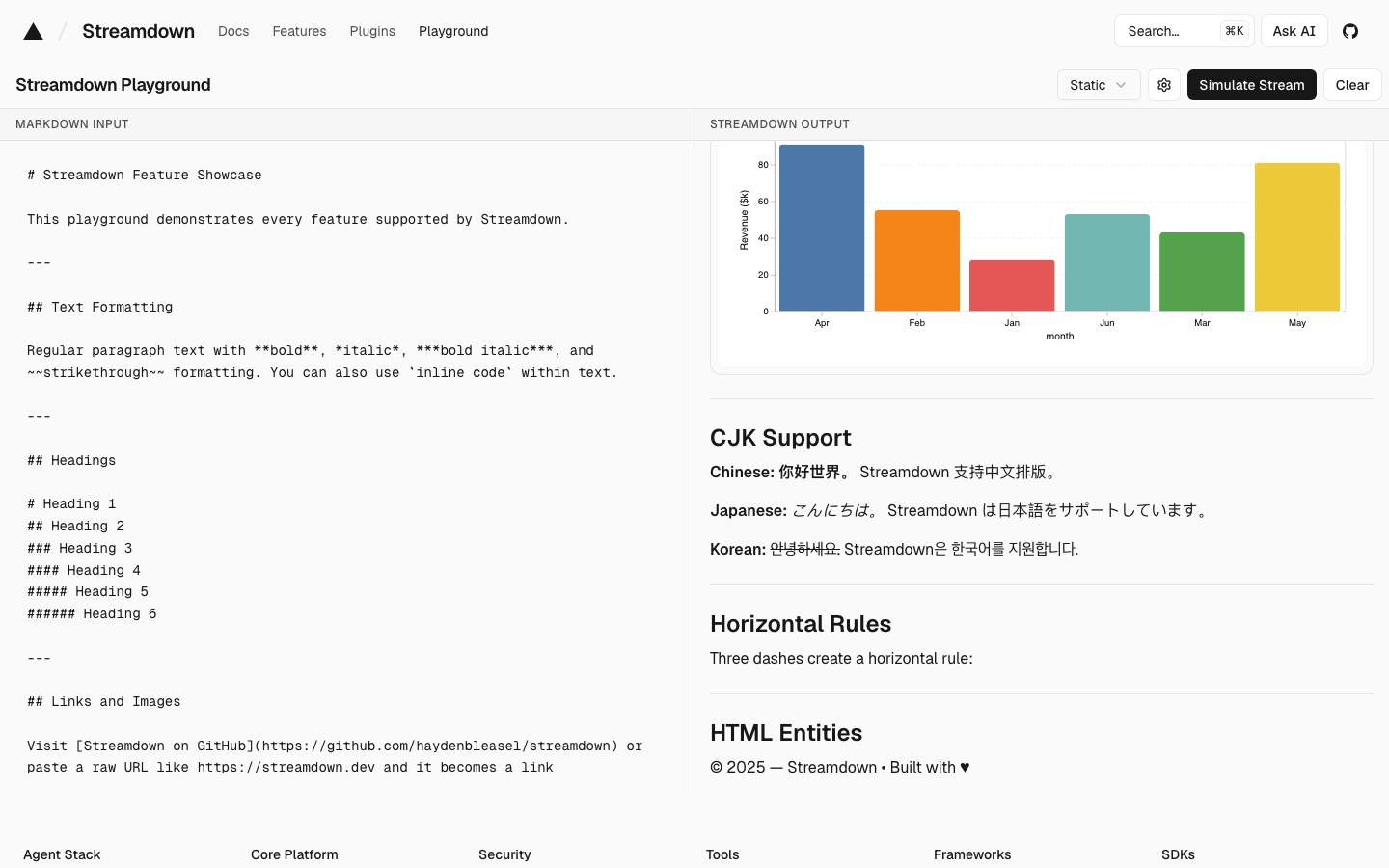
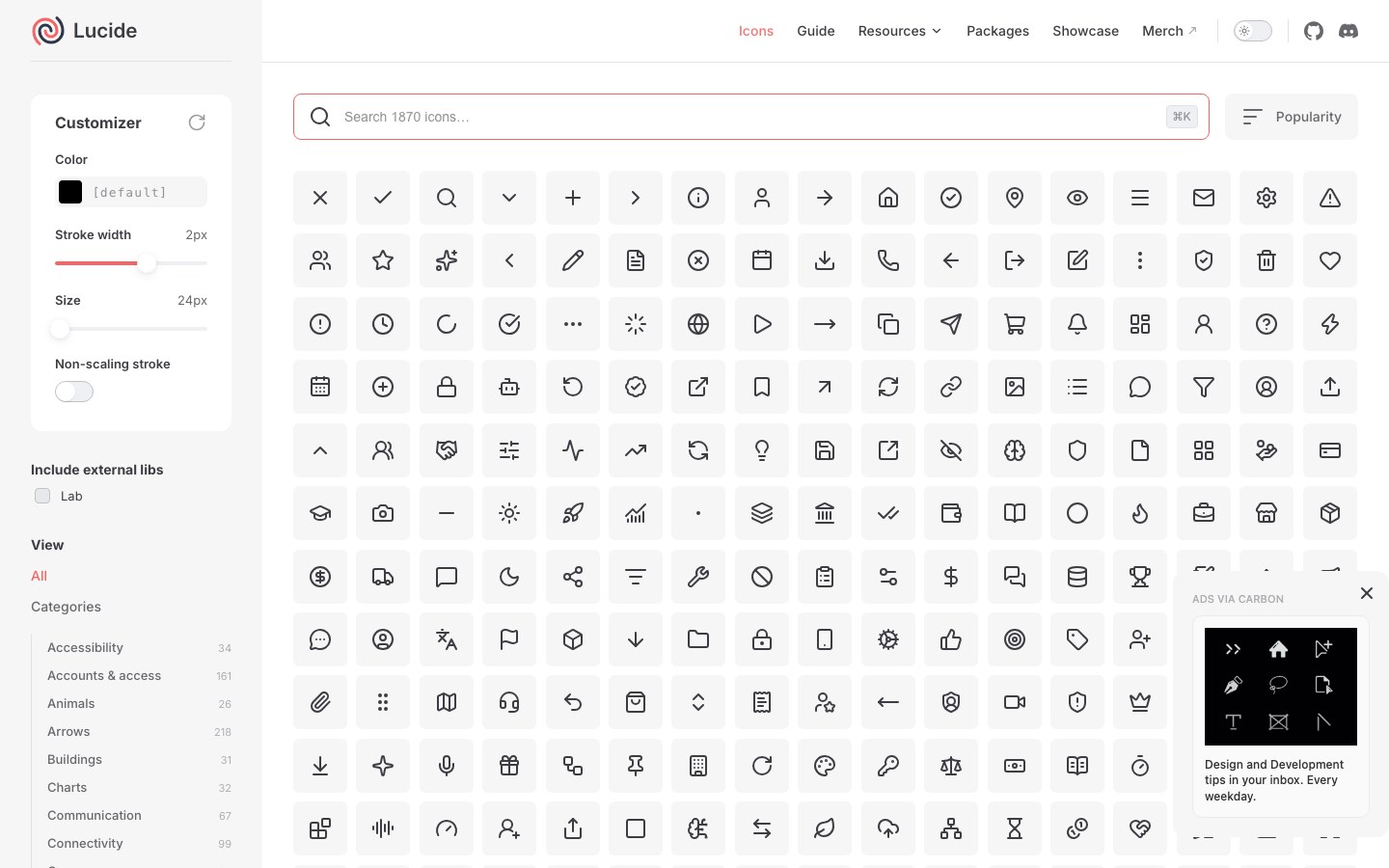
Build a calm AI chat screen with shadcn/ui on the neutral theme: one centered conversation column, prompt-kit's Prompt Input pinned to the bottom with attach and send buttons, assistant replies rendered with Streamdown so markdown, code and tables stream without breaking, and Lucide icons throughout. No gradients, generous whitespace, one accent color.

Use these kits:
- Base: Theme: Neutral from shadcn/ui (https://ui.shadcn.com) — install: npx shadcn@latest init
- Input: Prompt Input from prompt-kit (https://prompt-kit.com) — install: npx shadcn@latest add https://prompt-kit.com/c/prompt-input.json
- Streaming text: Streaming markdown from Streamdown (https://streamdown.ai) — install: npm i streamdown
- Icons: Lucide icons from Lucide (https://lucide.dev) — install: npm i lucide-react

Use each kit's own components; no extra CSS unless needed.
スポンサー広告を出す →

毎週月曜:新レシピ + Hot 100 をメールで週 1 通。いつでも解除できます。