第 1 期 · 2026年10月5日
安静的 AI 对话页
回复边流边排好版,界面不抢戏。
之前 · 不用套件之后 · 用这套搭配
拖动中间那条线对比;鼠标移到套件上,看它用在哪。
用到的套件
4 家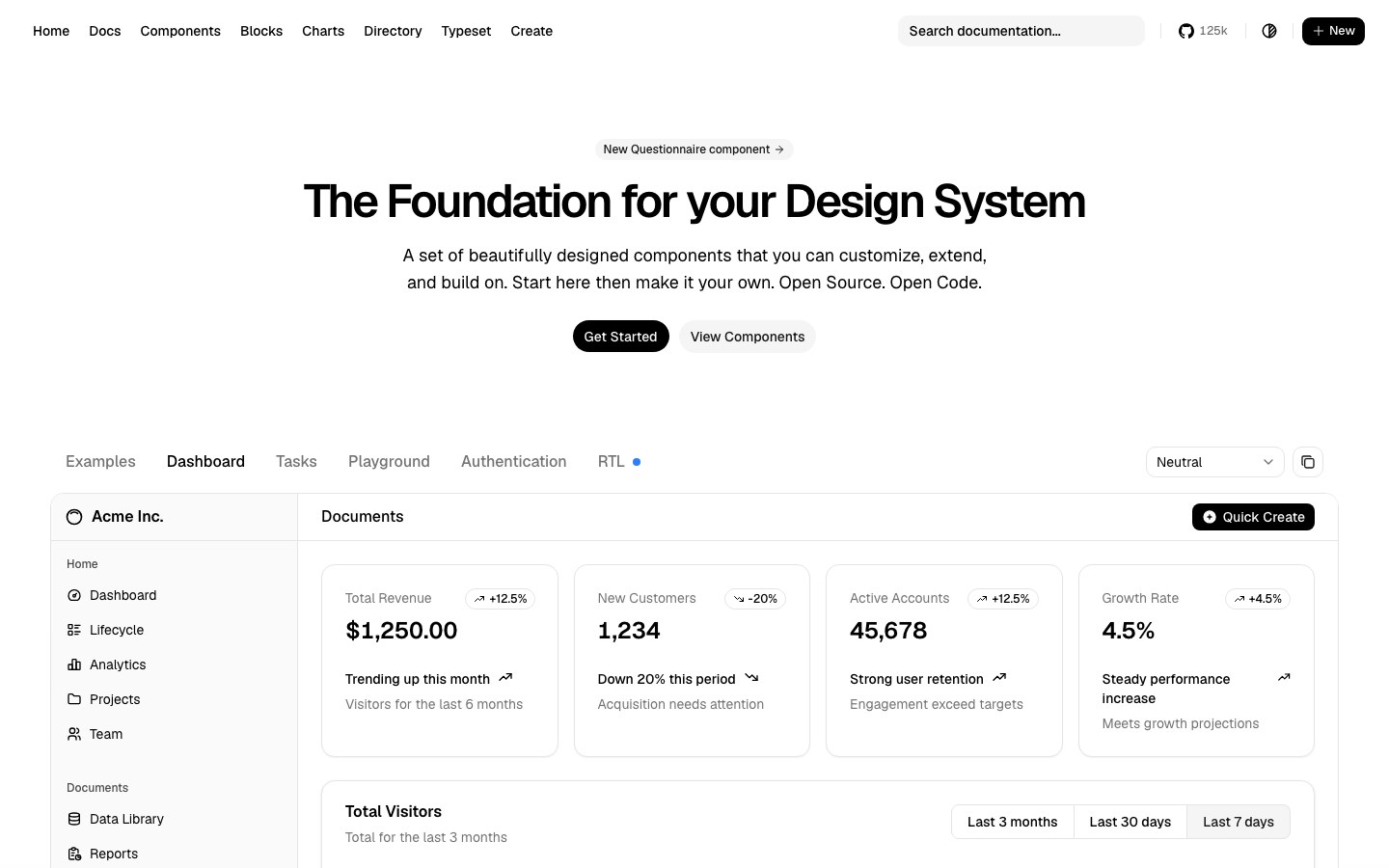
提示词
英文写的——模型照着做最稳。贴进 Cursor、Claude Code 或 v0 即可。
Build a calm AI chat screen with shadcn/ui on the neutral theme: one centered conversation column, prompt-kit's Prompt Input pinned to the bottom with attach and send buttons, assistant replies rendered with Streamdown so markdown, code and tables stream without breaking, and Lucide icons throughout. No gradients, generous whitespace, one accent color.

Use these kits:
- Base: Theme: Neutral from shadcn/ui (https://ui.shadcn.com) — install: npx shadcn@latest init
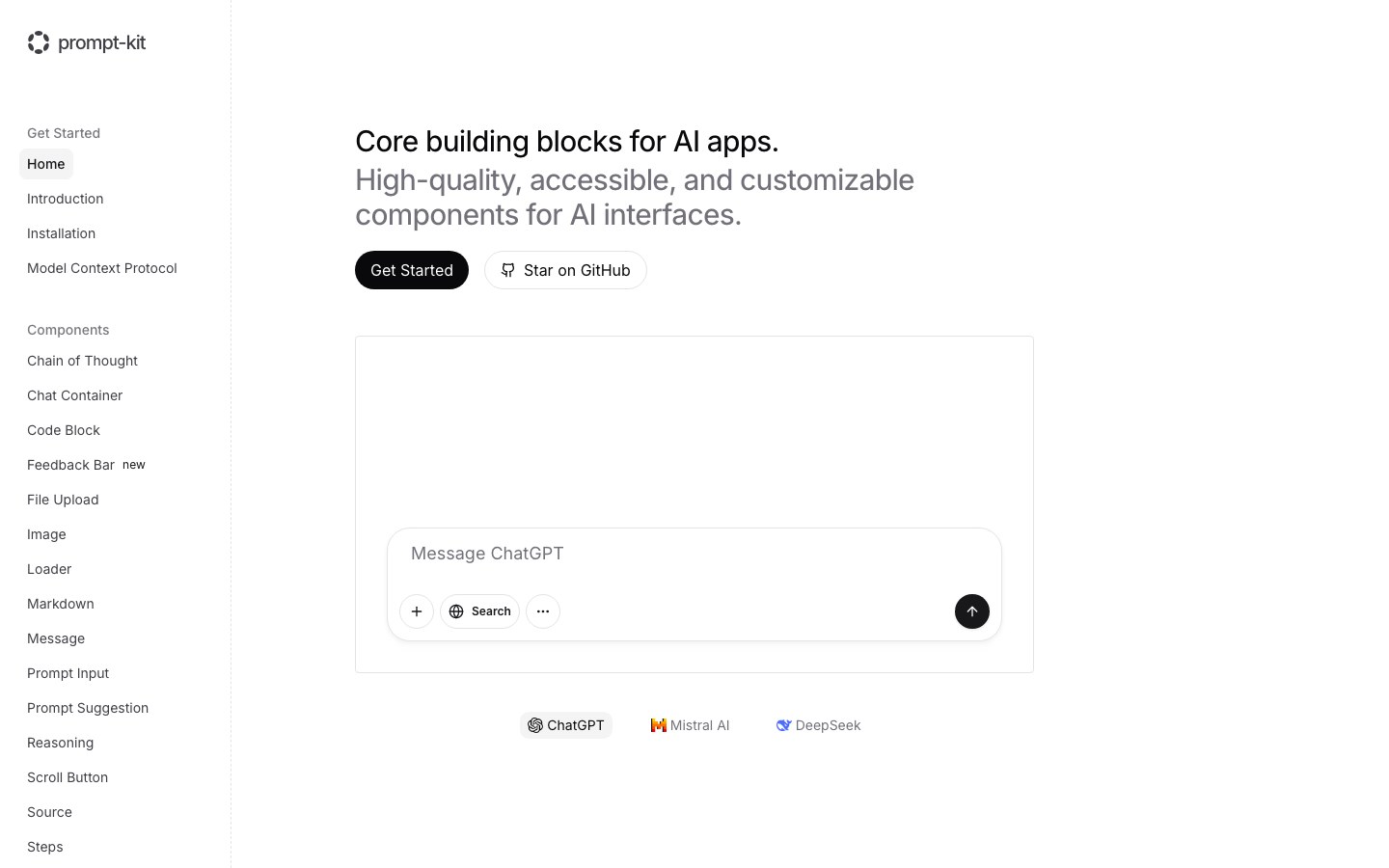
- Input: Prompt Input from prompt-kit (https://prompt-kit.com) — install: npx shadcn@latest add https://prompt-kit.com/c/prompt-input.json
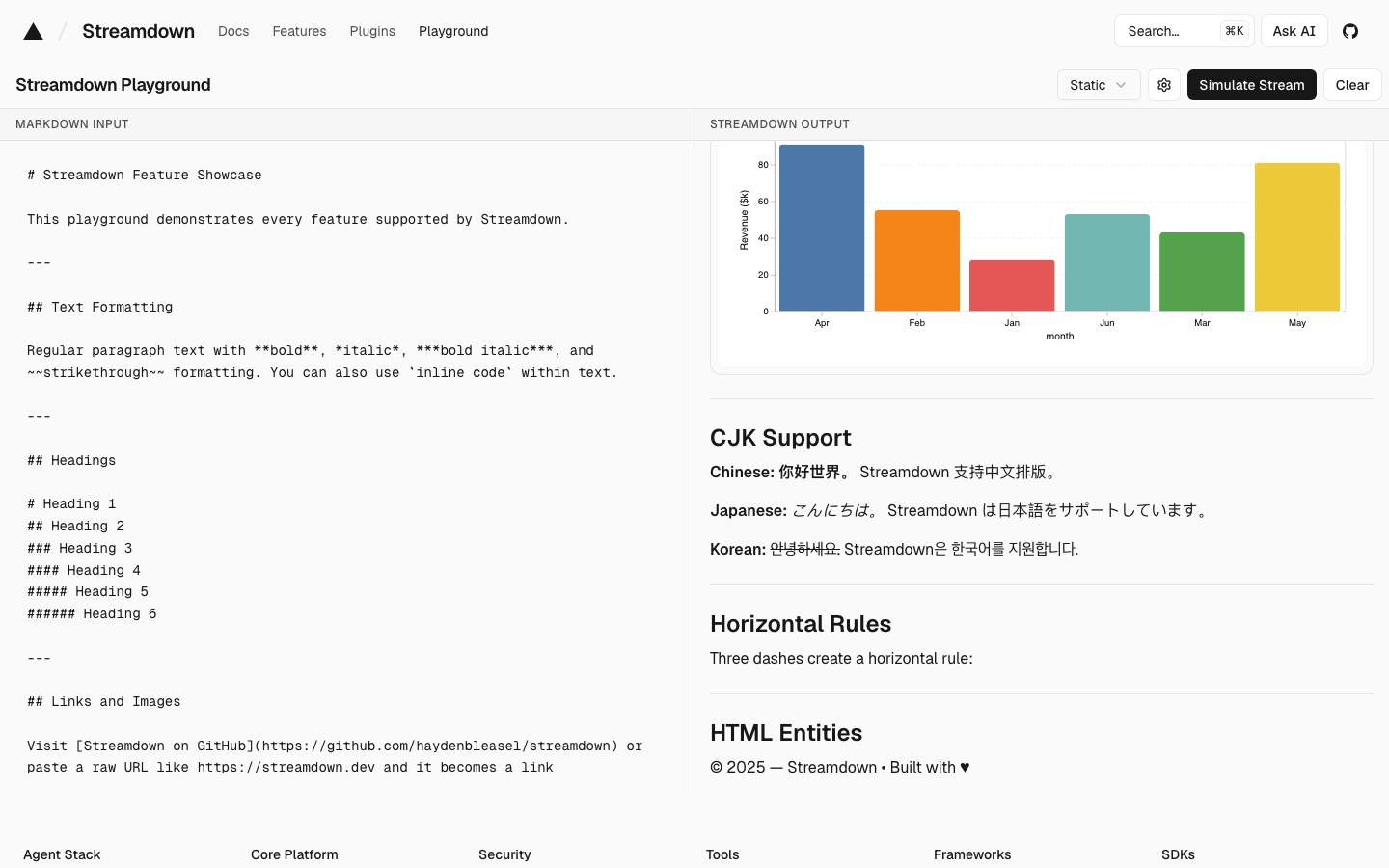
- Streaming text: Streaming markdown from Streamdown (https://streamdown.ai) — install: npm i streamdown
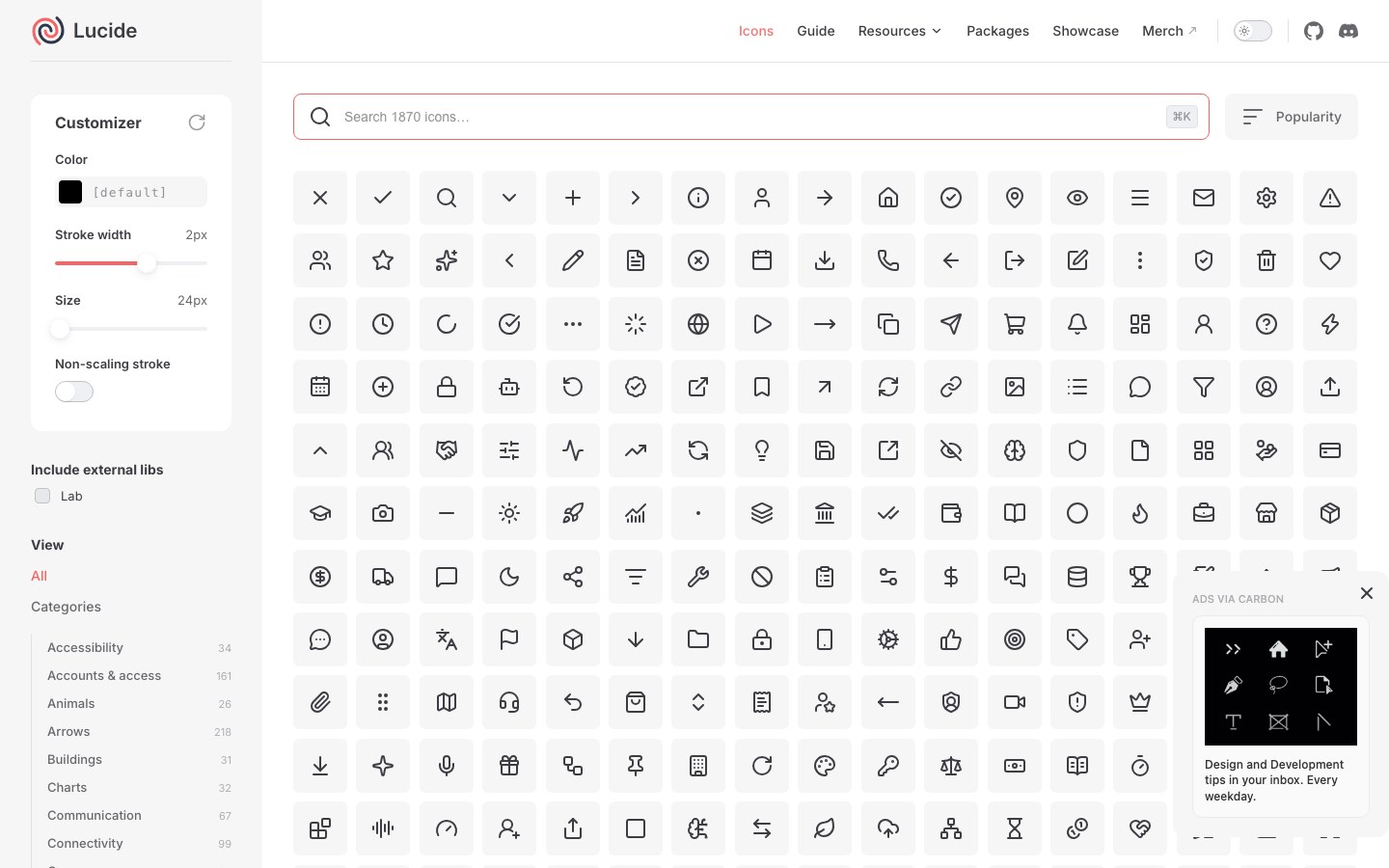
- Icons: Lucide icons from Lucide (https://lucide.dev) — install: npm i lucide-react

Use each kit's own components; no extra CSS unless needed.
赞助投放广告 →

每周一:新搭配 + Hot 100 发到你邮箱每周一封,随时退订。