Week 1 · Oct 5, 2026
Calm AI chat
Replies stream in cleanly; the screen stays out of the way.
Before · no kitsAfter · this recipe
Drag the line to compare. Hover an ingredient to see where it shows up.
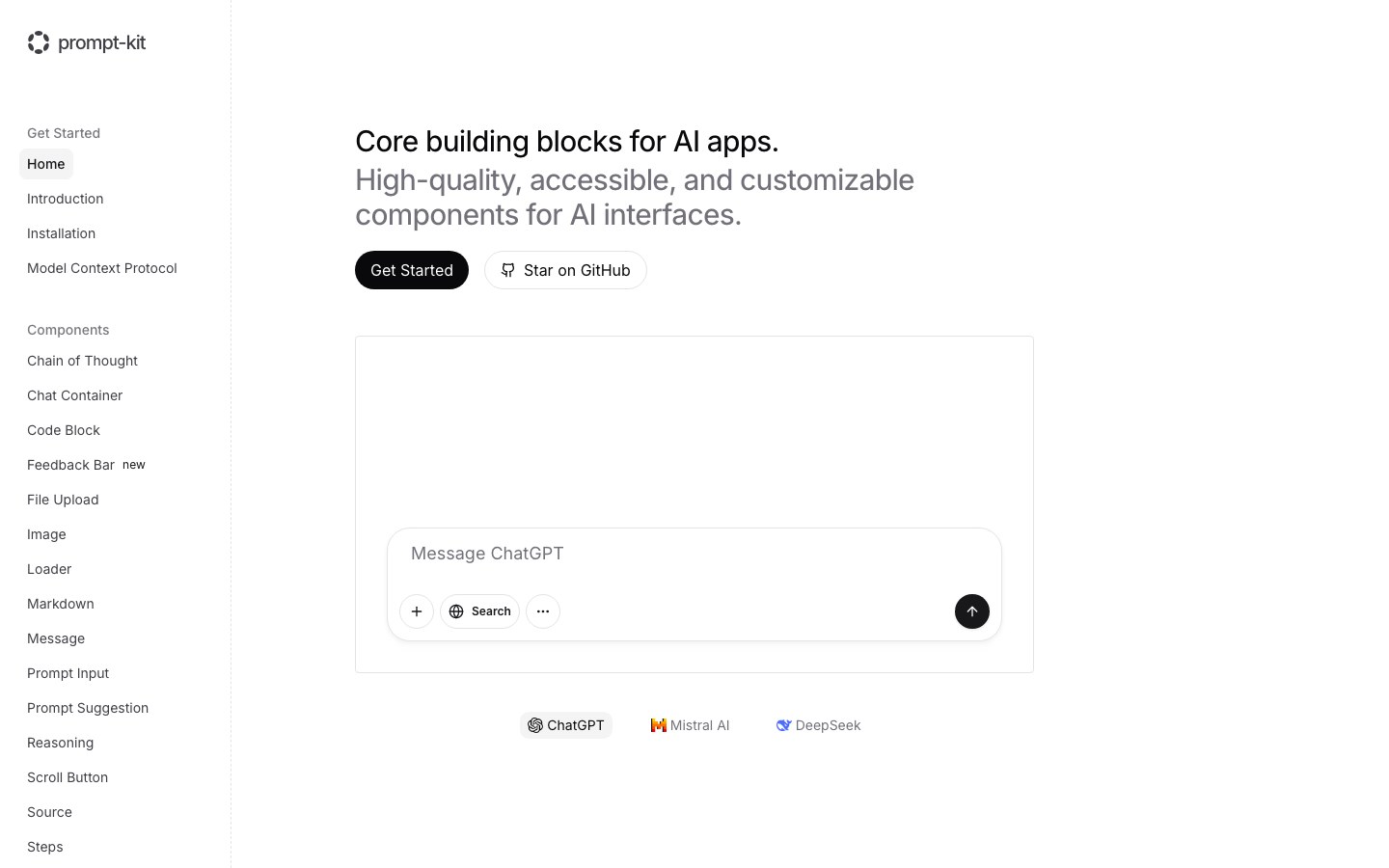
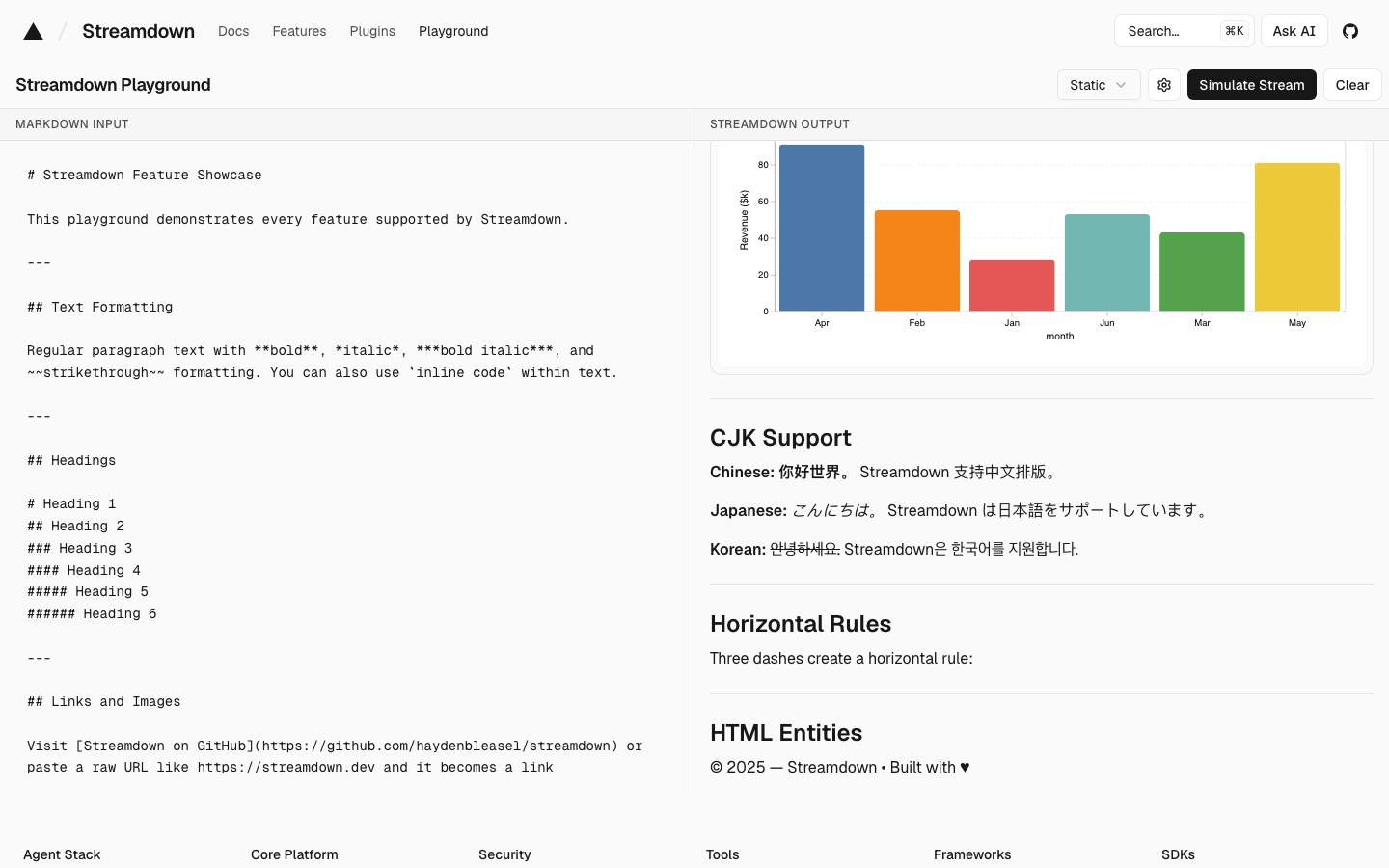
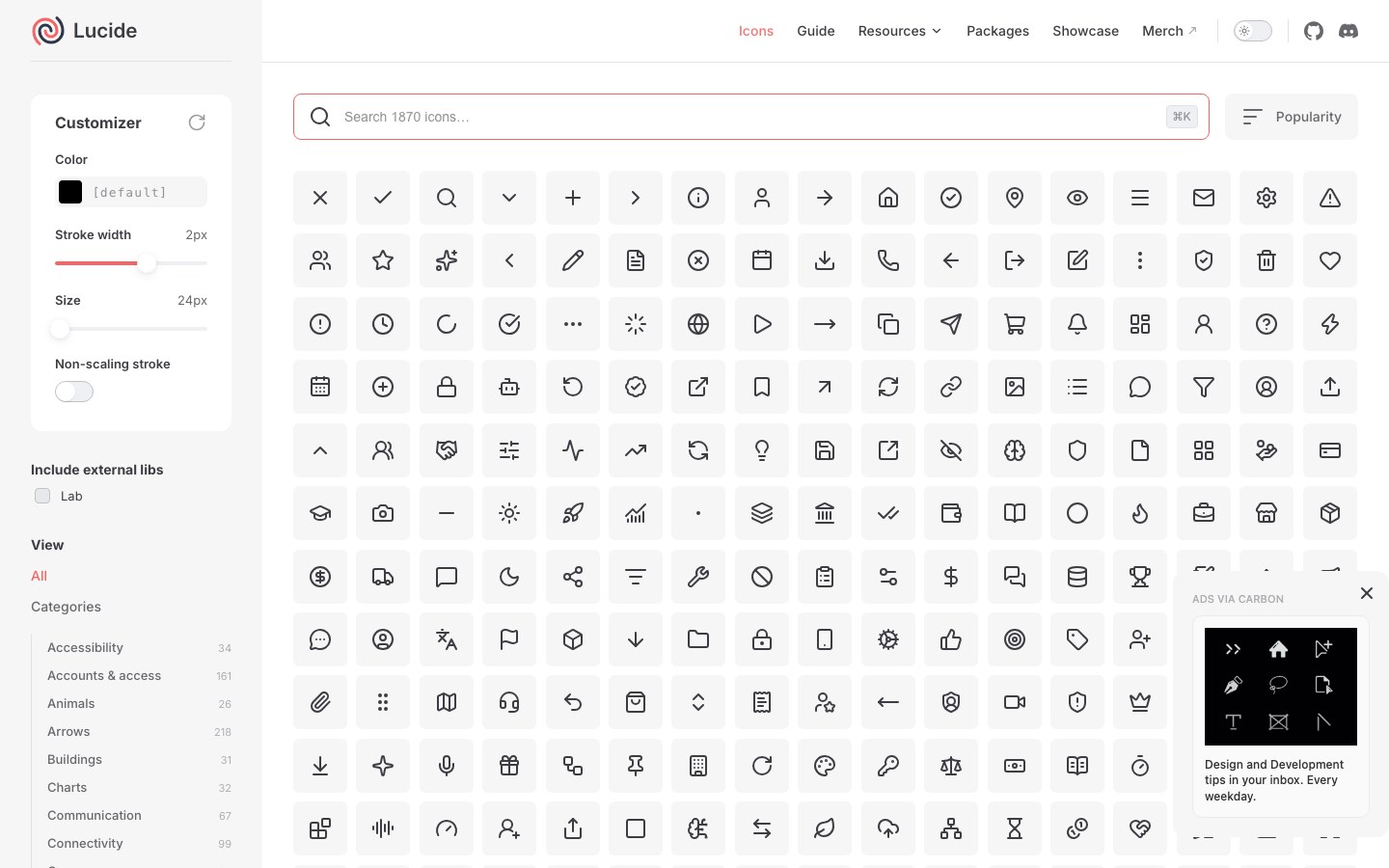
Ingredients
4 kits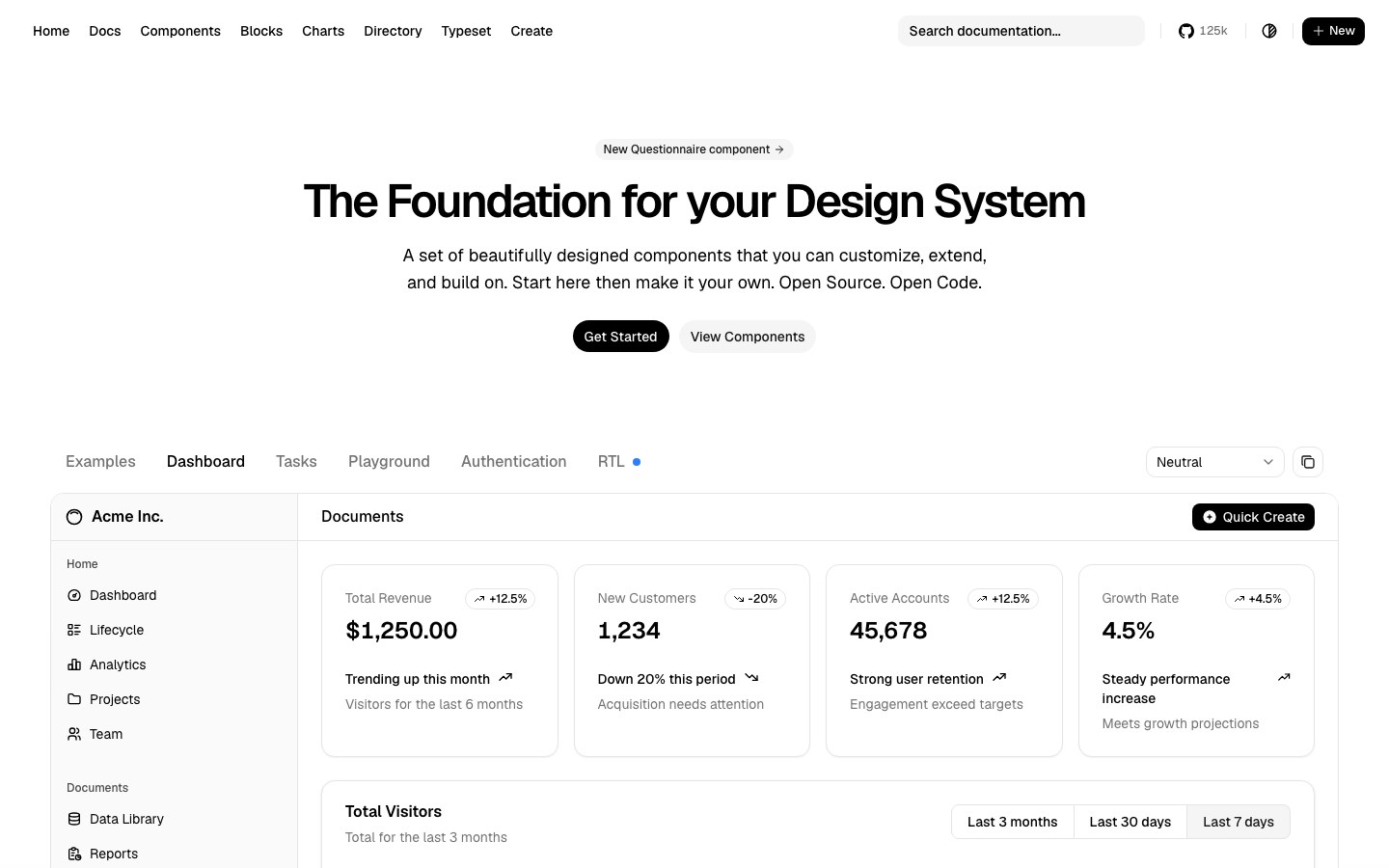
The prompt
In English — models follow it best. Paste it into Cursor, Claude Code or v0.
Build a calm AI chat screen with shadcn/ui on the neutral theme: one centered conversation column, prompt-kit's Prompt Input pinned to the bottom with attach and send buttons, assistant replies rendered with Streamdown so markdown, code and tables stream without breaking, and Lucide icons throughout. No gradients, generous whitespace, one accent color.

Use these kits:
- Base: Theme: Neutral from shadcn/ui (https://ui.shadcn.com) — install: npx shadcn@latest init
- Input: Prompt Input from prompt-kit (https://prompt-kit.com) — install: npx shadcn@latest add https://prompt-kit.com/c/prompt-input.json
- Streaming text: Streaming markdown from Streamdown (https://streamdown.ai) — install: npm i streamdown
- Icons: Lucide icons from Lucide (https://lucide.dev) — install: npm i lucide-react

Use each kit's own components; no extra CSS unless needed.
SponsoredAdvertise →

Every Monday: a new recipe + the Hot 100One email a week. Unsubscribe anytime.